
Submitting your Project Proposal
Completion requirements
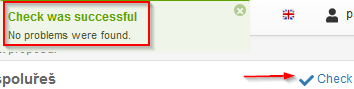
You can verify that your proposal is ready for submission by clicking  link anytime during the preparation of your proposal. Once you receive “Check was successful” message, you will be able to submit your project.
Figure 67: Checking proposal for completeness
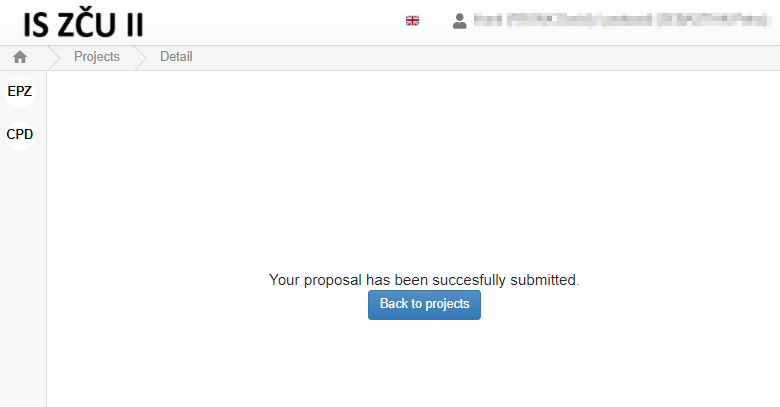
To officially submit your proposal, click  button in the left bottom corner of the page. Next you will be asked to confirm this step. You’ll see the following confirmation message once your proposal is successfully submitted in the system:
Figure 68: Successfully submitted proposal – confirmation message
Last modified: Thursday, 7 January 2021, 3:15 PM